 GemClean
A smooth reflection
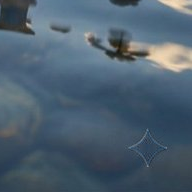
Reverse alpha blending
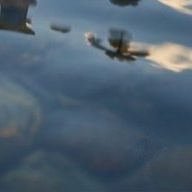
GemClean (ours)
Look for the thin star outline against the blue water.
View sampleRemove the visible Gemini watermark, robust against compression, resizing, faint stars, low-contrast.
Free · No sign-up · Original-size JPG or PNG
Look for the thin star outline against the blue water.
View sample

Resized to 64% and saved again as a JPG before testing.
View sample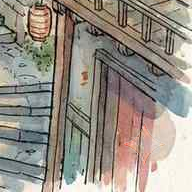
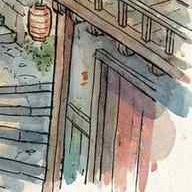
If a pale mark remains, try an earlier, less compressed copy.
View sampleReverse alpha blending undoes the overlay when the tool knows the star’s exact position and opacity at each pixel.
Both tools received the same 20 watermarked images from a public Nano Banana Pro dataset.
Upload JPG, PNG, WebP, AVIF, HEIC/HEIF, BMP or a still GIF, up to 20 MB and 40 megapixels. Each side must be 256 to 16,384 pixels. Both JPG and PNG exports keep the original dimensions. JPG is usually smaller. PNG preserves transparency. HEIC library license and source.
Yes. The model uses nearby pixels to repair the star even when its edges have changed. Start with the earliest watermarked copy you have.
Yes, GemClean is free and requires no account.
GemClean repairs the visible Gemini or Nano Banana sparkle in the bottom-right corner. SynthID and unrelated logos are outside its scope.
Only the corner patch goes to our AI restoration model (about 2% of a 3-megapixel image). Your browser puts the repaired area back into your image.